geminilogoremover.online
🌐

Remove Gemini Watermark for Free

📂

Drag & Drop Images Here

Batch process up to 10 files (PNG, WebP, JPG)

No file selected

Complete guide to remove Gemini watermark from image

STEP 1

Upload your watermarked image

Click the upload area or drag and drop your image directly into the box. Our tool works with PNG, JPG, and WebP formats. You can process up to 10 images at once for maximum efficiency.
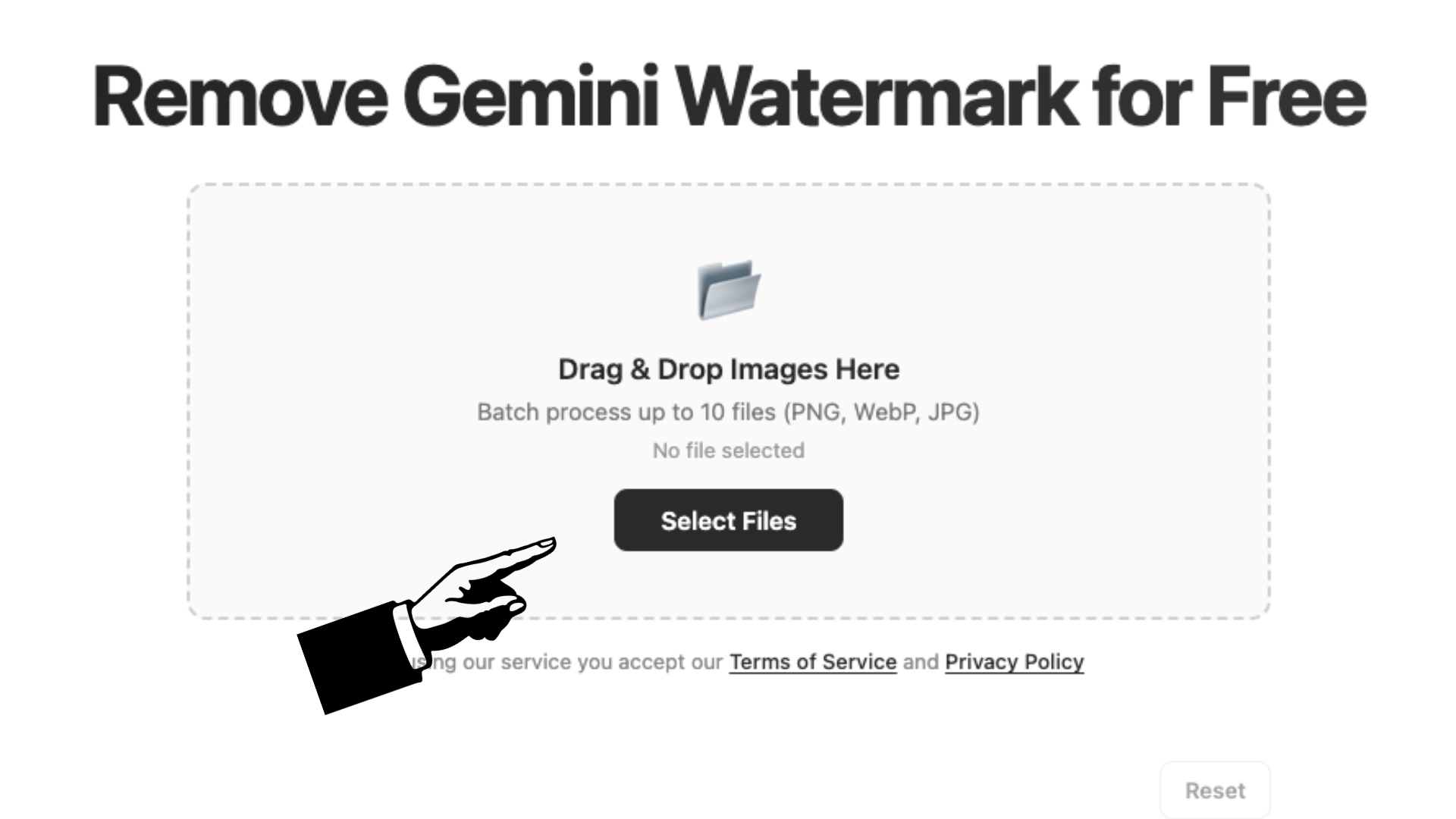
Upload interface showing image selection
STEP 2

Automatic watermark detection & removal

Once uploaded, our algorithm instantly scans the bottom-right corner and precisely removes the Gemini watermark. The original image quality is preserved, and you can adjust output format and compression if needed.

Processing screen showing watermark removal
STEP 3

Download your clean image

Preview the result side by side with the original. Download individual images or grab everything as a ZIP file. Your images are processed locally – we never store them on any server.

Download buttons and result preview

Why choose our watermark remover?

Our tool stands out because it operates entirely within your browser. That means no uploads to external servers, no privacy concerns, and instant results. The algorithm is fine-tuned specifically for the Gemini watermark pattern, ensuring clean removal without leaving artifacts or damaging the surrounding image area. Whether you're a designer, content creator, or just someone who needs a quick fix, this solution is built for speed and simplicity.

How does the removal process work?

When you provide an image, the tool analyzes the bottom-right region where the Gemini logo typically appears. Using a pre-computed alpha mask, it reverses the watermark blending calculation pixel by pixel. The original pixel values are reconstructed mathematically, which means the output is as close to the unwatermarked original as possible. You can even fine-tune the output by selecting different quality levels or converting between PNG, JPEG, and WebP formats.

Is it safe to use on any device?

Yes, the entire workflow is client-side. Your images never leave your computer or phone. We don't use cookies, trackers, or any form of data collection. The tool is compatible with all modern browsers including Chrome, Firefox, Safari, and Edge. It also works on mobile devices, so you can remove watermarks on the go. Just make sure you have the rights to modify the images you're processing.

Frequently Asked Questions

Is this tool really free to use?
Absolutely! Our Gemini watermark remover is completely free. There are no hidden fees, subscription plans, or premium features locked behind a paywall. You can process as many images as you need.
Will removing the watermark affect my image quality?
No, our algorithm is designed to preserve the original quality of your image. You can even choose the output quality (up to 100% original) and format (PNG, JPEG, WebP) to suit your needs.
Are my images uploaded to a server?
No, everything happens locally in your browser. Your images never leave your device, ensuring complete privacy and security. We do not store, view, or share any of your files.
What image formats are supported?
We currently support PNG, JPEG, and WebP formats. You can upload images in any of these formats and choose your preferred output format after processing.
Can I process multiple images at once?
Yes! You can batch process up to 10 images simultaneously. Simply select or drag multiple files, and they will be processed in parallel. You can then download them individually or as a ZIP archive.